Why customize LG webOS TV?
LG provides an official Developer Mode app for installing, debugging, and testing webOS TV apps from a computer. Its getting-started guide uses familiar HTML, CSS, and JavaScript. A coding agent can help create a big-screen dashboard or remote-friendly app. This route does not require a rooting claim and is not equivalent to replacing the TV's operating system.
A good fit for
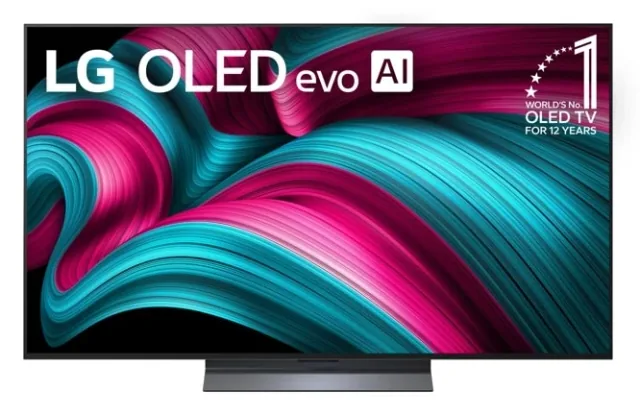
Trying a big-screen web app on a compatible television you already own.
Not the right fit for
A permanent kiosk or a promise that every LG TV supports the same setup.
Compatibility
- Exact hardware
- Platform guide · exact TV and firmware must be checked
- Software route
- HTML / CSS / webOS CLI
- Where code runs
- Your HTML, CSS, and JavaScript app runs on the compatible TV; the development tools run on your computer.
- Development tools
- A laptop, a coding agent such as Claude Code or Cursor, and the tools listed in the guide.
- Evidence
- Official docs. Not hands-on tested.
Project ideas
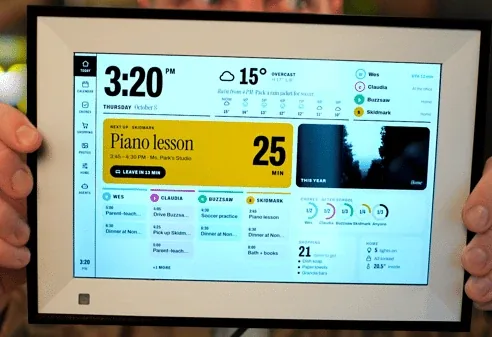
- 01A big-screen family dashboard
- 02A remote-controlled personal web app
- 03A wall-sized project or event information screen
Getting started
- 01
Check the TV you already have
Read LG's prerequisites and confirm the Developer Mode app is available. Do not buy based solely on the webOS brand name.
- 02
Build a small web app
Follow LG's first-web-app guide. Design for the actual screen and remote input rather than a laptop pointer.
- 03
Test through Developer Mode
Connect the computer using LG's official guide, install the test app, and record the session-expiry and recovery requirements.
Setup & technical references
Starter prompt
Help me build a simple webOS TV dashboard using LG's official Developer Mode workflow, not rooting. First ask for my exact TV model, webOS and firmware version, and whether Developer Mode is available. Use compatible HTML/CSS/JavaScript, support remote navigation, explain session expiry and app removal, and do not promise permanent kiosk operation.
Confirm your exact hardware before running device-changing commands.
Common questions
Do I need to root my LG TV to make a dashboard?
The route covered here uses LG’s official Developer Mode, not rooting. It allows app testing under LG’s restrictions rather than unrestricted system access.
Will the dashboard stay installed permanently?
Do not assume it will. LG says Developer Mode apps are removed when the mode is disabled, including after session expiry and reboot. Plan for renewal and recovery before relying on it.
Where can I buy LG webOS TV?
Use the official buying or compatibility link below. The Amazon button opens a search, not a confirmed product listing. This is a platform-specific project route, not a recommendation to buy an unverified TV model. Confirm Developer Mode availability for the exact TV, region, and firmware first.