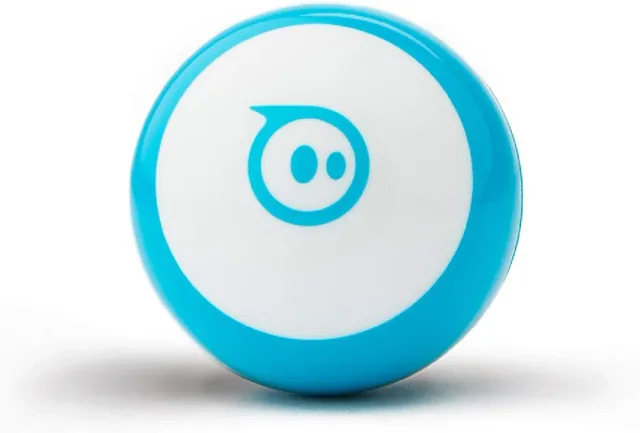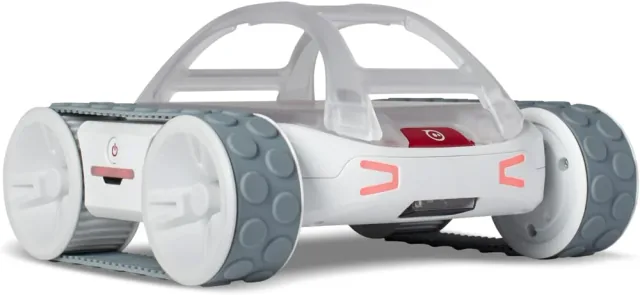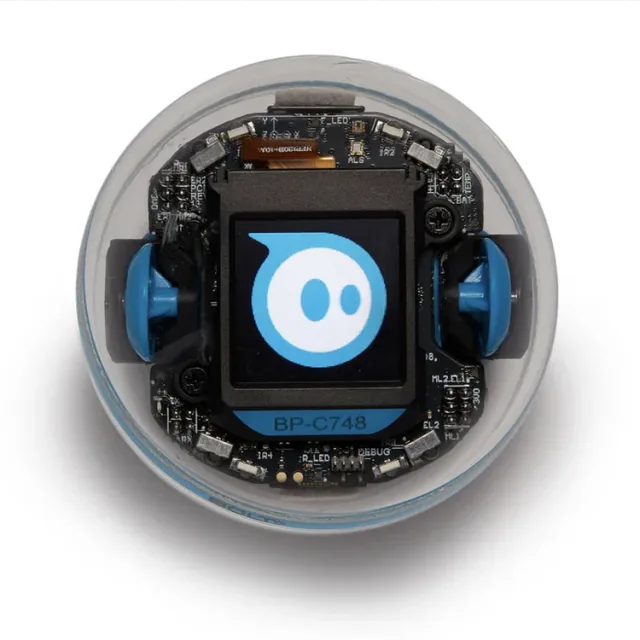
Why customize Sphero BOLT+?
BOLT+ is a finished rolling robot with a screen and motion sensors. Sphero documents text programming alongside beginner-friendly blocks, so a coding agent can help explain or draft a routine that you run in the supported environment. Start with a short motion sequence rather than assuming it is a general-purpose autonomous robot.
A good fit for
A finished robot for short motion routines and sensor-based experiments.
Not the right fit for
An unrestricted robotics computer or unattended autonomous machine.
Compatibility
- Exact hardware
- BOLT+ · single robot
- Software route
- Sphero Edu / JavaScript
- Where code runs
- Write and run programs through the supported Sphero Edu environment and its robot connection.
- Development tools
- A laptop, a coding agent such as Claude Code or Cursor, and the tools listed in the guide.
- Evidence
- Official docs. Not hands-on tested.
Project ideas
- 01A small routine with movement and on-screen messages
- 02An interactive story that moves around the room
- 03A sensor-driven game on the floor
Getting started
- 01
Connect through Sphero Edu
Use the official product resources to charge, connect, and run a simple built-in example.
- 02
Start with one short routine
Choose the supported text-coding environment and have your agent explain a small movement-and-display program.
- 03
Add one interaction
Introduce a sensor or input only after the basic routine stops reliably. Keep the first tests brief and slow.
Setup & technical references
Starter prompt
Help me write a small Sphero BOLT+ program for the current Sphero Edu JavaScript environment. First confirm my app or browser platform and supported robot connection. Use the official environment's APIs, begin with a low-speed short motion and a stop, and explain how to test safely before adding a sensor response.
Confirm your exact hardware before running device-changing commands.
Common questions
Can I program Sphero BOLT+ with JavaScript?
Sphero documents text coding through Sphero Edu. Use the current environment’s APIs and confirm your computer or tablet supports the required connection.
Can an AI coding agent directly drive the robot?
A coding subscription does not itself pair with the robot. Use the agent to draft and explain code, then test the routine in Sphero’s supported environment at low speed.
Where can I buy Sphero BOLT+?
An Amazon listing is linked as a starting point, not a guarantee of stock or compatibility. Choose the BOLT+ Single Robot rather than a classroom pack. Check your computer or tablet against the current Sphero Edu connection requirements.