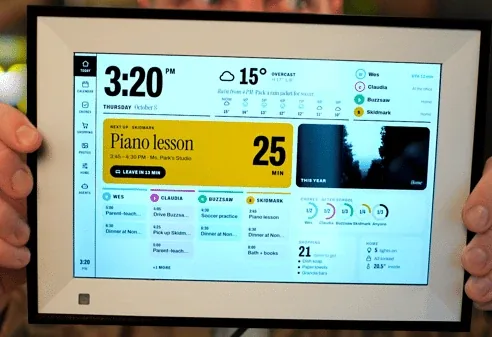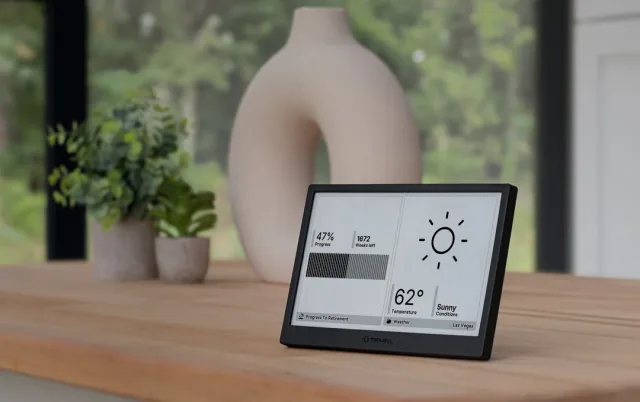
Why customize reTerminal E1002?
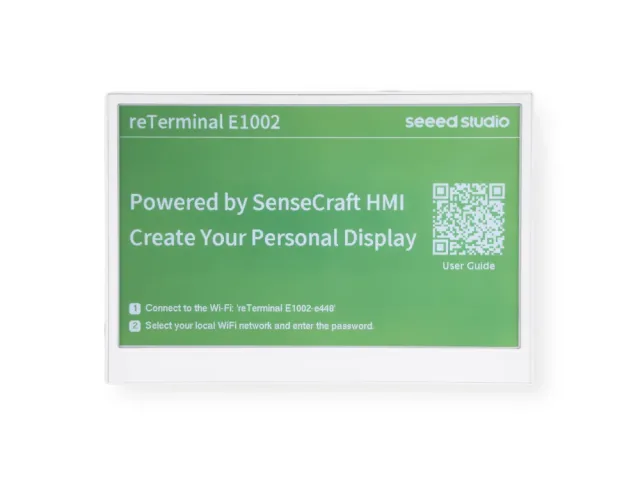
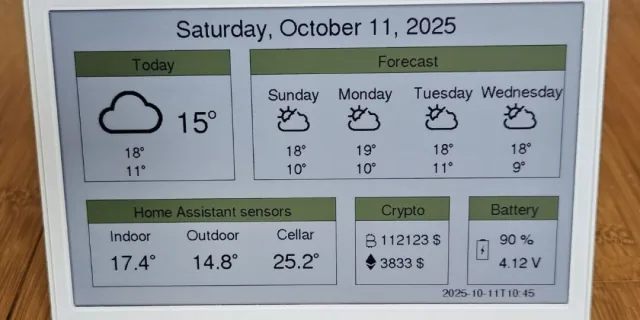
The reTerminal E1002 pairs a 7.3-inch, 800 × 480 color e-paper panel with an ESP32-S3 in a finished enclosure. It ships with SenseCraft Seeedash and also supports documented Arduino and ESPHome development routes. A coding agent can help write a dashboard layout or firmware configuration; the device is not a general-purpose browser.
A good fit for
Slow-changing color art, summaries, and Home Assistant dashboards.
Not the right fit for
Video, animation, or a web page that expects a normal browser.
Compatibility
- Exact hardware
- E1002 · 7.3-inch color ePaper
- Software route
- ESPHome / Arduino
- Where code runs
- Dashboard layouts and device behavior use the chosen supported firmware; this is not a general-purpose browser.
- Development tools
- A laptop, a coding agent such as Claude Code or Cursor, and the tools listed in the guide.
- Evidence
- Official docs. Not hands-on tested.
Project ideas
- 01A daily illustrated briefing
- 02A rotating collection of art
- 03A color-coded family chore board
Getting started
- 01
Start with the stock experience
Follow Seeed's E1002 getting-started guide to connect the device and confirm that the display works before changing firmware.
- 02
Choose a development route
Use ESPHome for a Home Assistant display or Arduino for a more direct firmware project. Give your agent the official guide and the exact E1002 model.
- 03
Design for slow updates
Start with a static layout, then add a scheduled data refresh. Keep the last successful reading and its timestamp visible when a data source is unavailable.
Setup & technical references
Starter prompt
Help me design a dashboard for a Seeed reTerminal E1002, 800 by 480 color e-paper. Ask whether I want ESPHome with Home Assistant or Arduino before writing code. Use the manufacturer's E1002 documentation, account for slow full refreshes, include a last-updated timestamp, and keep private keys out of source control. Start with a mock layout, not a firmware flash.
Confirm your exact hardware before running device-changing commands.
Common questions
Is the reTerminal E1002 suitable for live animation?
No. Seeed lists roughly 15–20 seconds for a full color refresh. Plan around occasional updates and display the time of the last successful data refresh.
What is the difference between E1002 and E1001?
E1002 uses a 7.3-inch color panel; E1001 uses a 7.5-inch monochrome panel and supports partial refresh. Both are listed at 800 × 480, but model-specific firmware must not be swapped blindly.
Where can I buy reTerminal E1002?
An Amazon listing is linked as a starting point, not a guarantee of stock or compatibility. Check the manufacturer's current price, delivery region, and included accessories. Choose E1002 for color; E1001 is the monochrome model.