About the directory & our standards

Robots & toys / Specialist tools

A pocket pet for talking to Codex, designed by GPT-6 Astra

A handheld virtual pet with a push-to-talk button for asking Codex about your agents. OpenAI had GPT-6 Astra design the circuit board, the 3D-printed case and the firmware.

Read the original build See shopping list
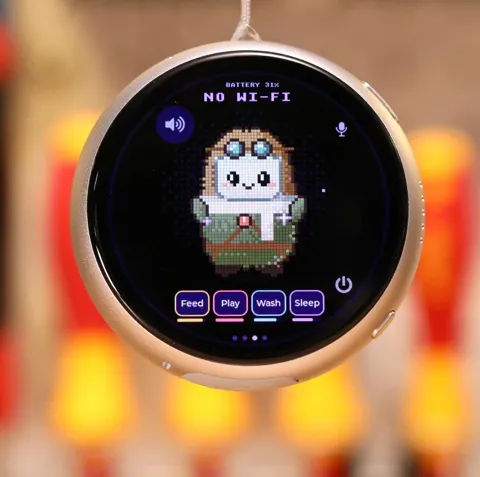
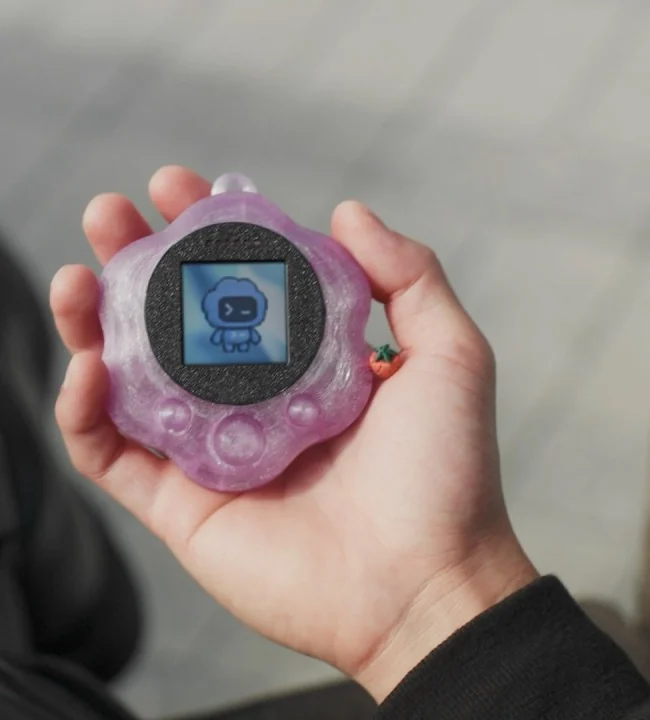
A hand holding OpenAI’s translucent purple Codex pet, with a robot character on its small square screen
OpenAI · creator video thumbnail (cropped)

What the hardware does

The device is the whole point: a pocket-sized pet with a screen and a push-to-talk button, so you can talk to Codex without opening a laptop. In the demo, Justin Lin asks “Hey Codex, do I have any active agents right now?” and it answers that five are running.

How the agent helped

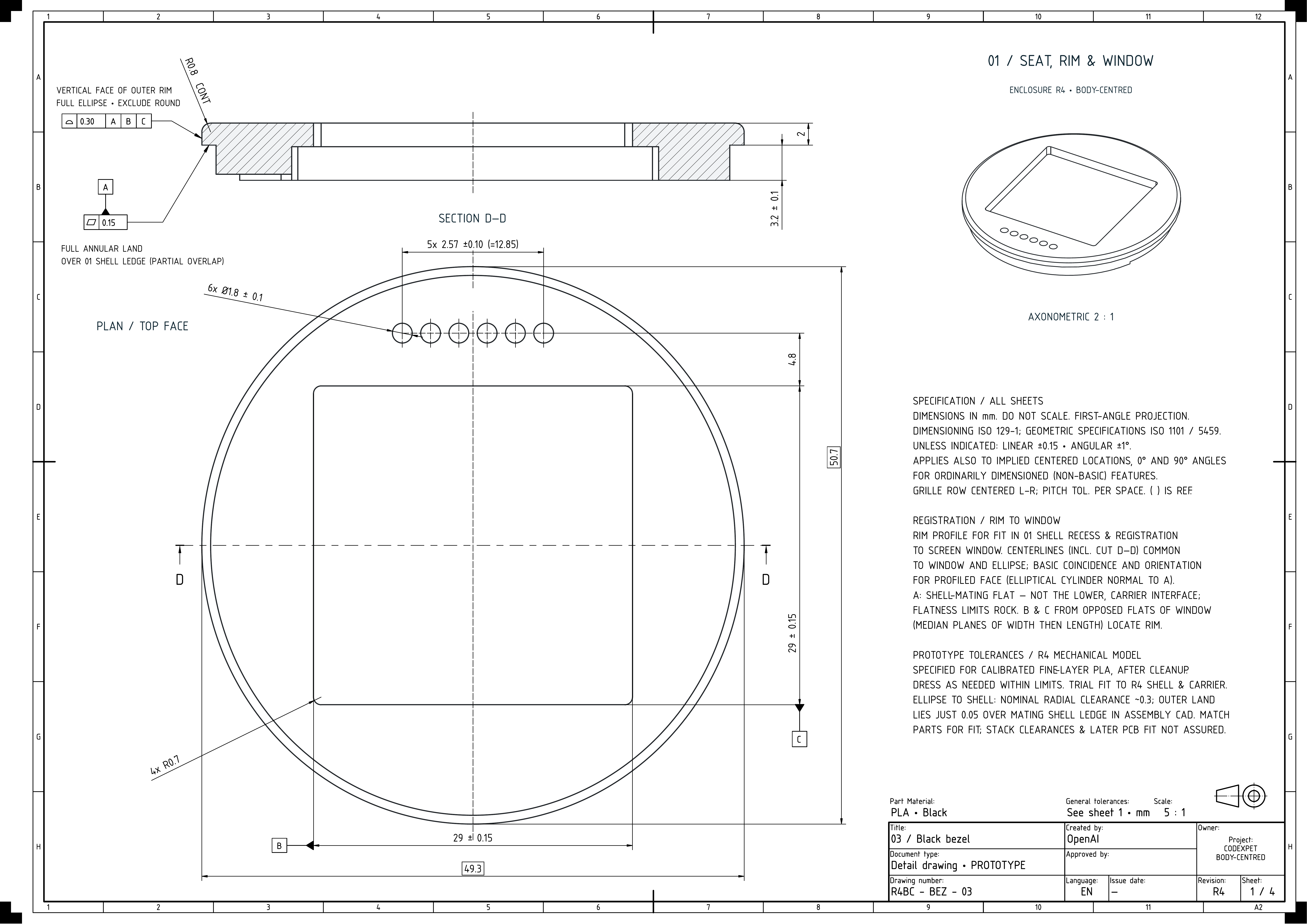
OpenAI writes that it used GPT-6 to “define the functional requirements and design the enclosure, printed circuit board (PCB), and software integrations needed to create a device users can use to talk to Codex”, and that Astra “generated the firmware and software integrations”. In the video, Justin Lin of OpenAI’s research team says “GPT-6 Astra actually designed the circuit board” and calls it his first time “going from a bare board to assembled PCB”. OpenAI’s published case drawing is titled CODEXPET R4 and specifies black, calibrated fine-layer PLA.

Before you build

This is an OpenAI research prototype, not a product or a kit. It is not for sale, and OpenAI has not published the board files, firmware, parts list or case models. What is public: Astra chose the parts and designed the board, case, interface and Codex connection without direct human edits, and two people built it in under a week as a side project. A contract manufacturer built a small batch in under a month, after several rounds of fixes, because Astra missed the factory’s tolerances and assembly details. To make something similar you would design your own board with an AI model and have it manufactured. The display, button, audio parts and power are not identified.

Follow the build

youtube.com

Original build story

AI-vendor research showcase with physical demonstrations
openai.com

Supporting source

Shopping list

Save as Markdown

What to buy to build your own version. OpenAI’s pet isn’t for sale and its exact parts aren’t public, so every product here is an example that matches what the video and drawing show, not the part OpenAI used.

Confirm before buying

  • OpenAI has not published the board files, firmware, parts list or case models, and doesn’t name the display, buttons, audio parts, battery or printer. Every product listed is an example; you design your own board, so confirm each part works with it before ordering.

Quantities are for one build. Unless marked source-specified, they are planning quantities; confirm the chosen configuration before ordering.

  1. Qty. 1Plan / confirm
    Tool

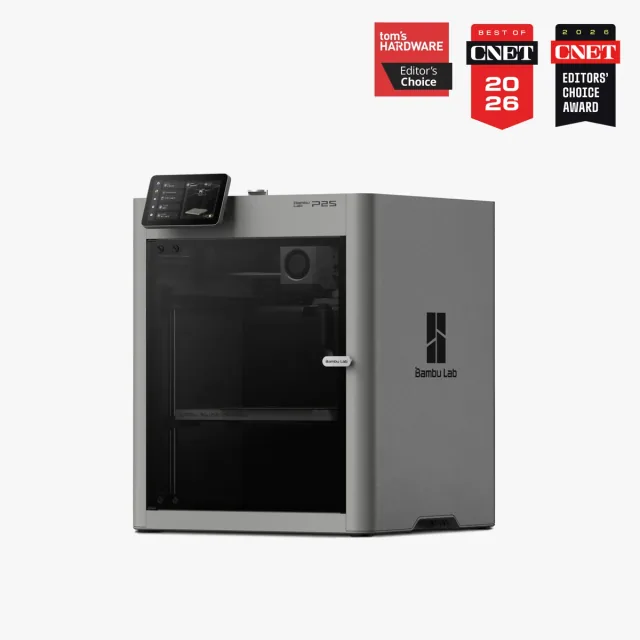
    Enclosed desktop 3D printer (example: Bambu Lab P2S)

    Print the case and the internal parts that hold the components.

    OpenAI’s drawing calls for “calibrated fine-layer PLA”. A black enclosed desktop printer appears in the video, but its make and model aren’t readable. The P2S is an example of an enclosed printer that handles PLA, not the one OpenAI used.

    Sources & quantity basis

    Creator source. Planning quantity for one build; check the selected configuration.

    Example part

    Example printer: Bambu Lab P2S

  2. Qty. As neededPlan / confirm
    Required

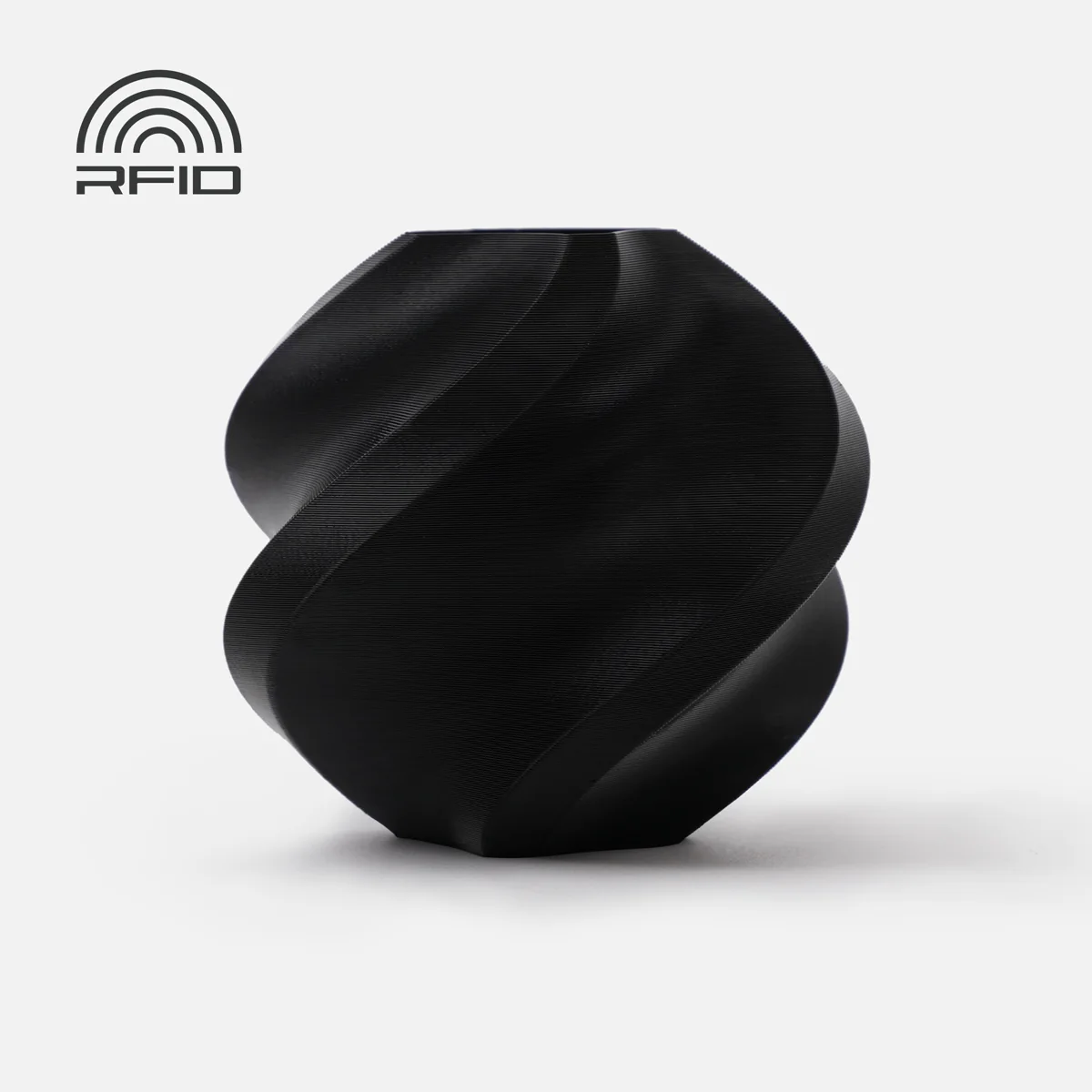
    Black PLA filament (example: Bambu Lab PLA Basic, Black)

    Bezel and internal structure.

    Specified on OpenAI’s CODEXPET R4 drawing (“PLA · Black”).

    Sources & quantity basis

    Creator source. Planning quantity for one build; check the selected configuration.

    Example part

    Example: Bambu Lab PLA Basic — choose Black

  3. Qty. As neededPlan / confirm
    Optional

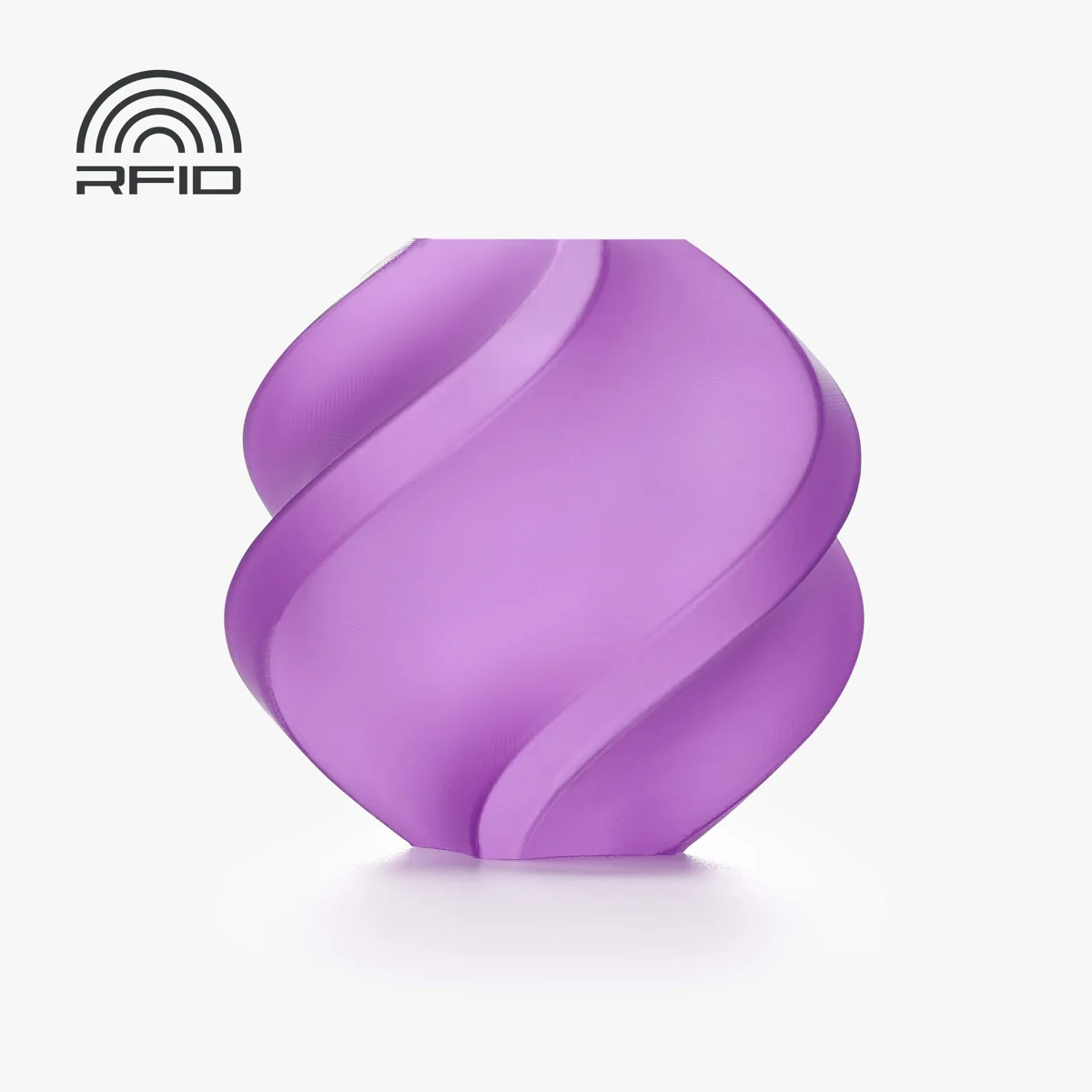
    Translucent PLA filament (example: Bambu Lab PLA Translucent, Purple)

    Outer shell in the colour of your choice.

    The finished pet has a translucent purple shell, and a purple spool is on the bench. Brand and grade are not shown.

    Sources & quantity basis

    Creator source. Planning quantity for one build; check the selected configuration.

    Example part

    Example: Bambu Lab PLA Translucent — Purple shown

  4. Qty. 1 batchPlan / confirm
    Required

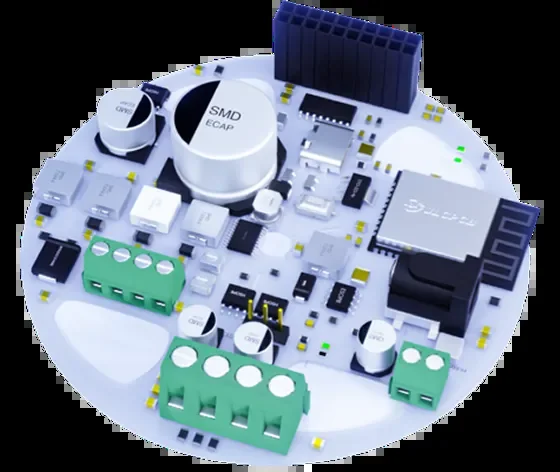
    Circuit board manufacturing and assembly (example: JLCPCB PCB Assembly)

    The electronics. Astra placed and connected the parts to fit inside the case.

    You buy this as a service: upload the board design (from Astra or another AI model) and its parts list, and the factory makes and assembles the boards. OpenAI used a contract manufacturer it doesn’t name, and it “took a few revs” before the boards worked.

    Sources & quantity basis

    Creator source. Planning quantity for one build; check the selected configuration.

    Example part

    Example service: JLCPCB SMT PCB Assembly

  5. Qty. 1Source count
    Required

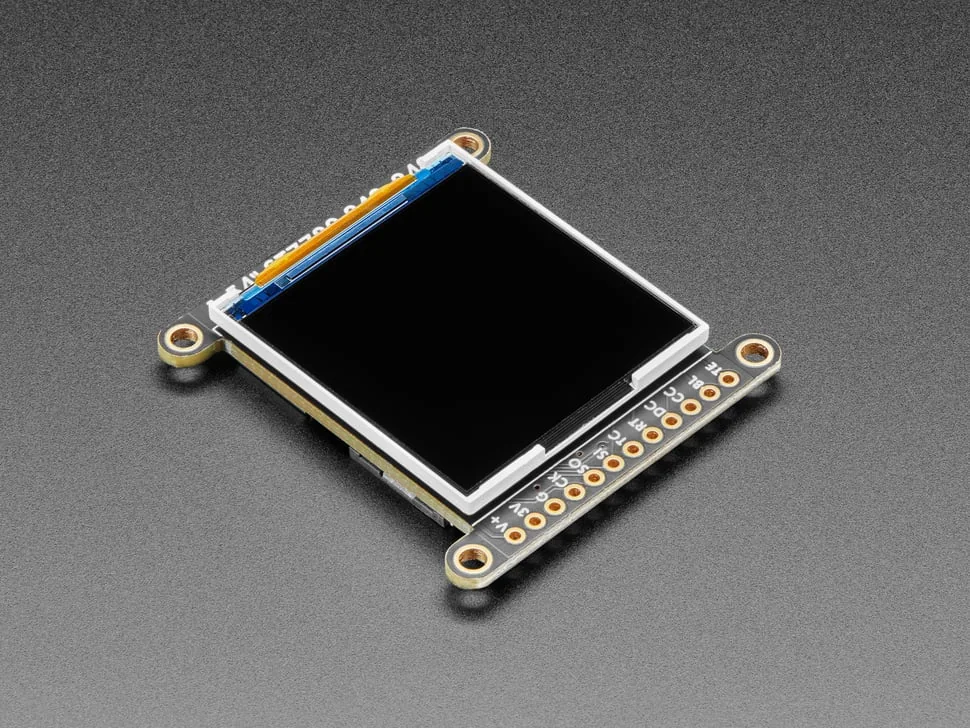
    1.54-inch 240×240 square colour display (example: Adafruit 3787)

    Shows the pet and Codex status.

    OpenAI’s case has a 29 × 29 mm screen window. A 1.54-inch square panel like this one fits that size; OpenAI hasn’t named the panel it used.

    Sources & quantity basis

    Creator source. Source-specified quantity.

    Example part

    Example: Adafruit 1.54" 240×240 TFT (ST7789)

  6. Qty. 1Plan / confirm
    Required

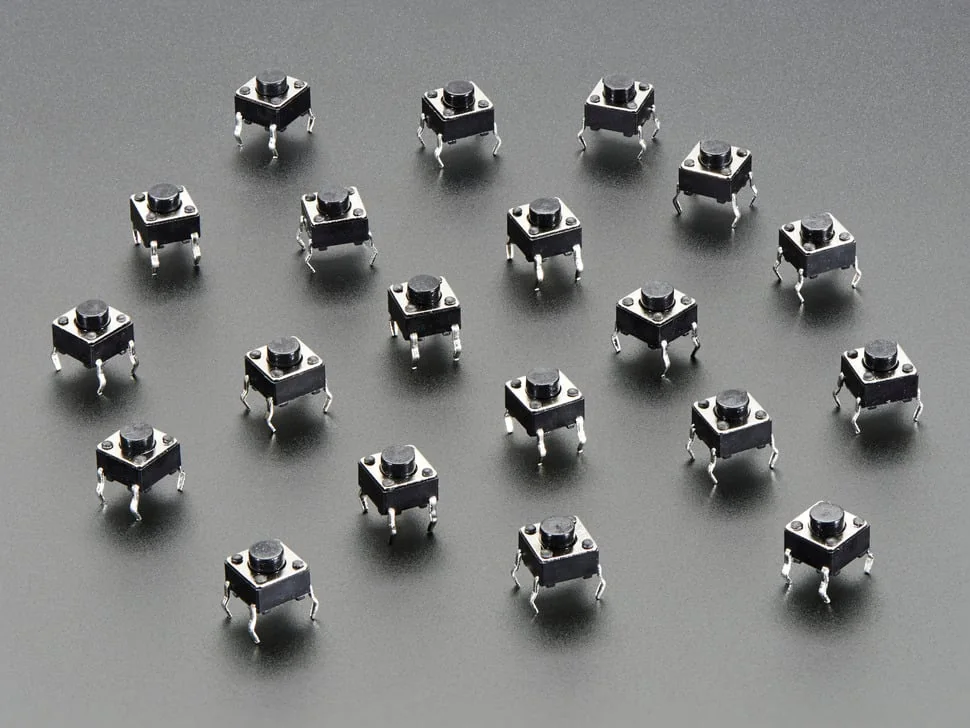
    Tactile push buttons (example: Adafruit 6 mm, 20-pack)

    Hold to talk to Codex.

    Lin describes a push-to-talk button. Three round bumps on the front of the shell may be buttons; their part numbers aren’t shown.

    Sources & quantity basis

    Creator source. Creator statement; count not specified.

    Example part

    Example: Adafruit tactile switch 6 mm × 20

  7. Qty. 1Plan / confirm
    Conditional

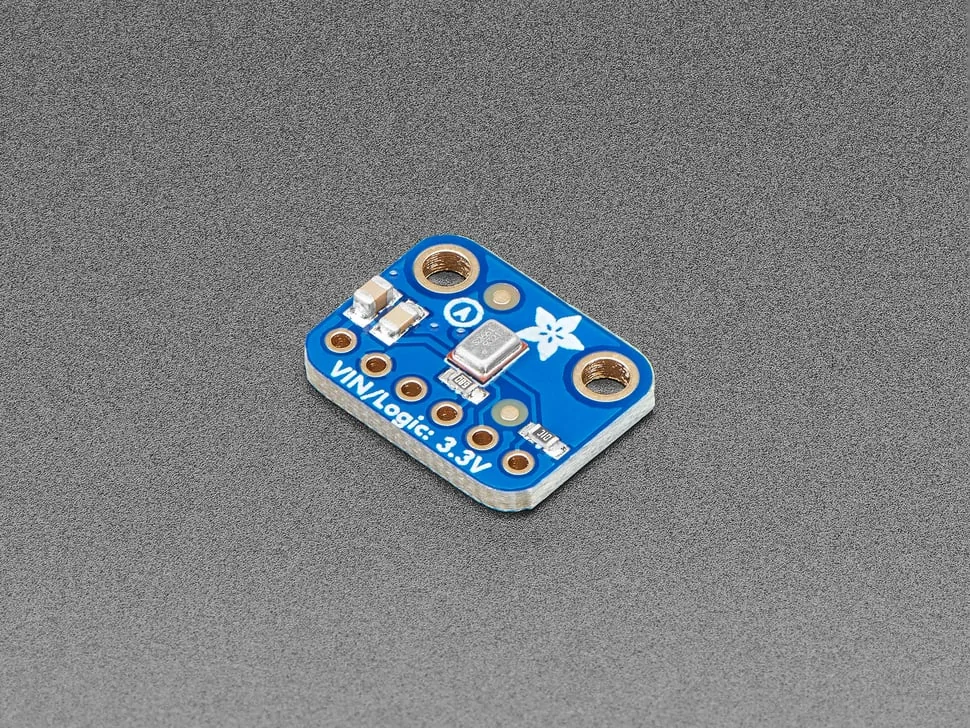
    Microphone (example: Adafruit I2S MEMS microphone)

    Hear your voice when you hold the button.

    The demo shows a spoken question and answer. The drawing has six 1.8 mm holes near the top that may be for sound. Whether the audio parts sit on the board or in a paired device isn’t stated.

    Sources & quantity basis

    Setup requirement — check against your configuration. Planning quantity for one build; check the selected configuration.

    Example part

    Example: Adafruit I2S MEMS Microphone (SPH0645LM4H)

  8. Qty. 1Plan / confirm
    Conditional

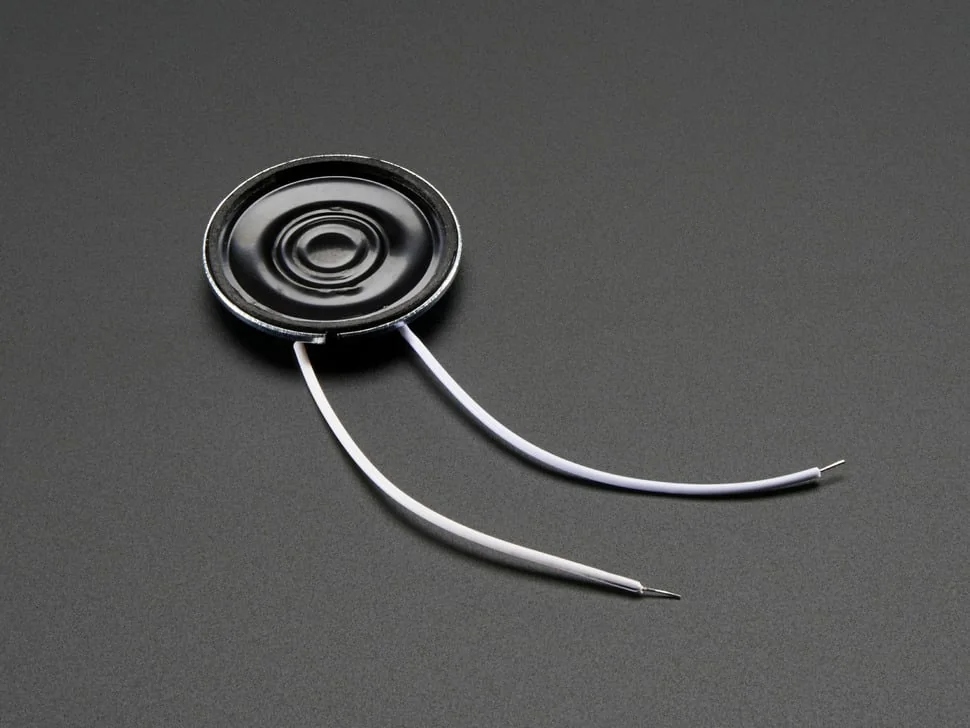
    Small speaker (example: Adafruit 8 Ω 0.5 W mini speaker)

    Speak Codex’s replies out loud.

    The demo shows a spoken question and answer. The drawing has six 1.8 mm holes near the top that may be for sound. Whether the audio parts sit on the board or in a paired device isn’t stated.

    Sources & quantity basis

    Setup requirement — check against your configuration. Planning quantity for one build; check the selected configuration.

    Example part

    Example: Adafruit mini metal speaker, 8 Ω 0.5 W

  9. Qty. 1Plan / confirm
    Conditional

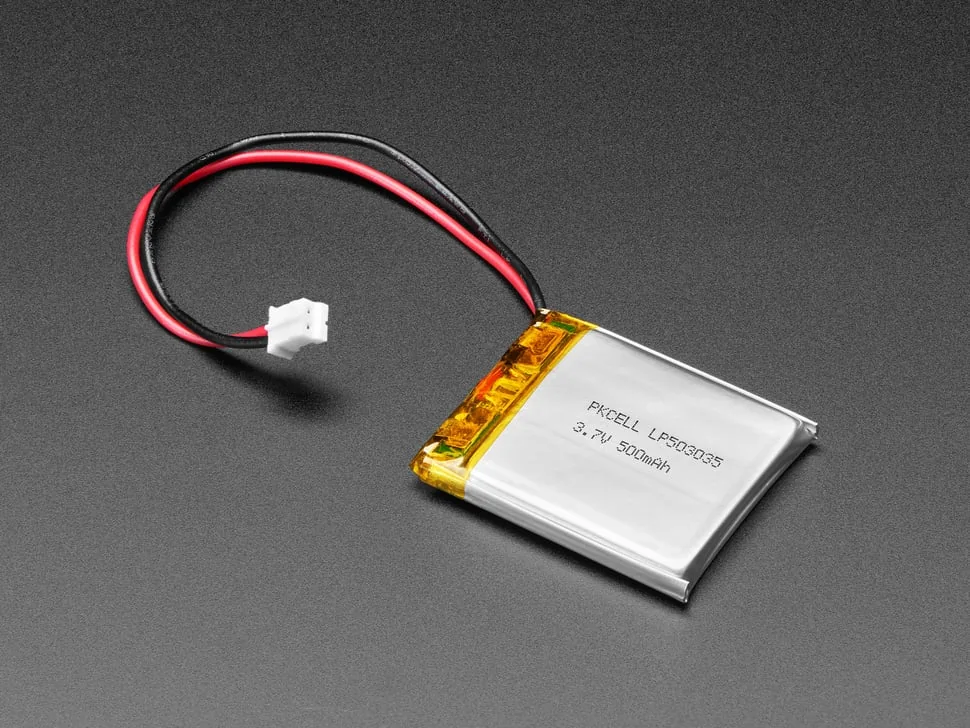
    Rechargeable battery (example: 3.7 V 500 mAh LiPo)

    Power for a handheld device.

    Not disclosed by OpenAI. A small LiPo cell is a typical choice for a handheld; your board must include a charger and protection circuit for it.

    Sources & quantity basis

    Setup requirement — check against your configuration. Planning quantity for one build; check the selected configuration.

    Example part

    Example: Adafruit LiPo 3.7 V 500 mAh

  10. Qty. 1Plan / confirm
    Tool

    Computer with ChatGPT / Codex access to GPT-6 Astra

    Design the board, case and firmware, and run the Codex agents the pet talks to.

    OpenAI also used Astra’s computer use to work in its design tools. The PCB editor on screen isn’t identified.

    Sources & quantity basis

    Creator source. Planning quantity for one build; check the selected configuration.

    Use your existing computer and an OpenAI plan that includes the model.

Source reviewed, not built or hands-on tested. This is a one-off research prototype, not a purchasable product.

Built something with a coding agent?

Share your hardware project so others can try it.

Submit a project