About the directory & our standards

Cameras & sensors / Unofficial firmware

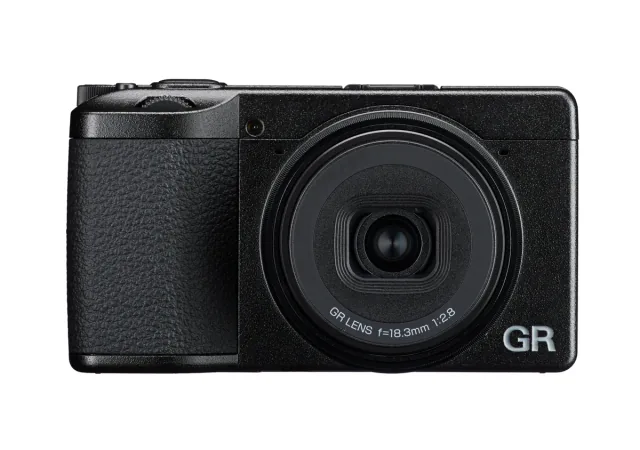
Change a Ricoh GR IV's shutdown screen

Custom scripts replace a camera’s shutdown image with a personal picture.

Read the original build See shopping list
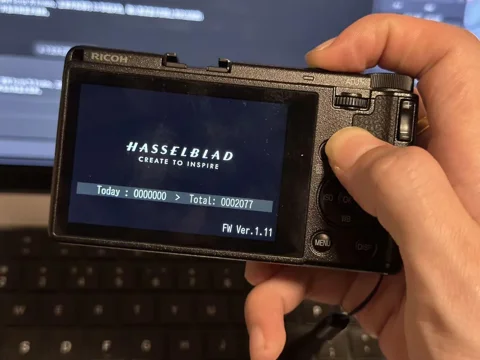
Change a Ricoh GR IV's shutdown screen — build photo from the creator’s source
Creator · build photo

What the hardware does

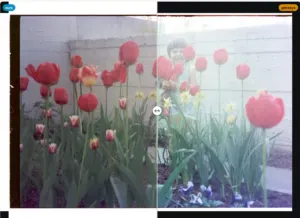
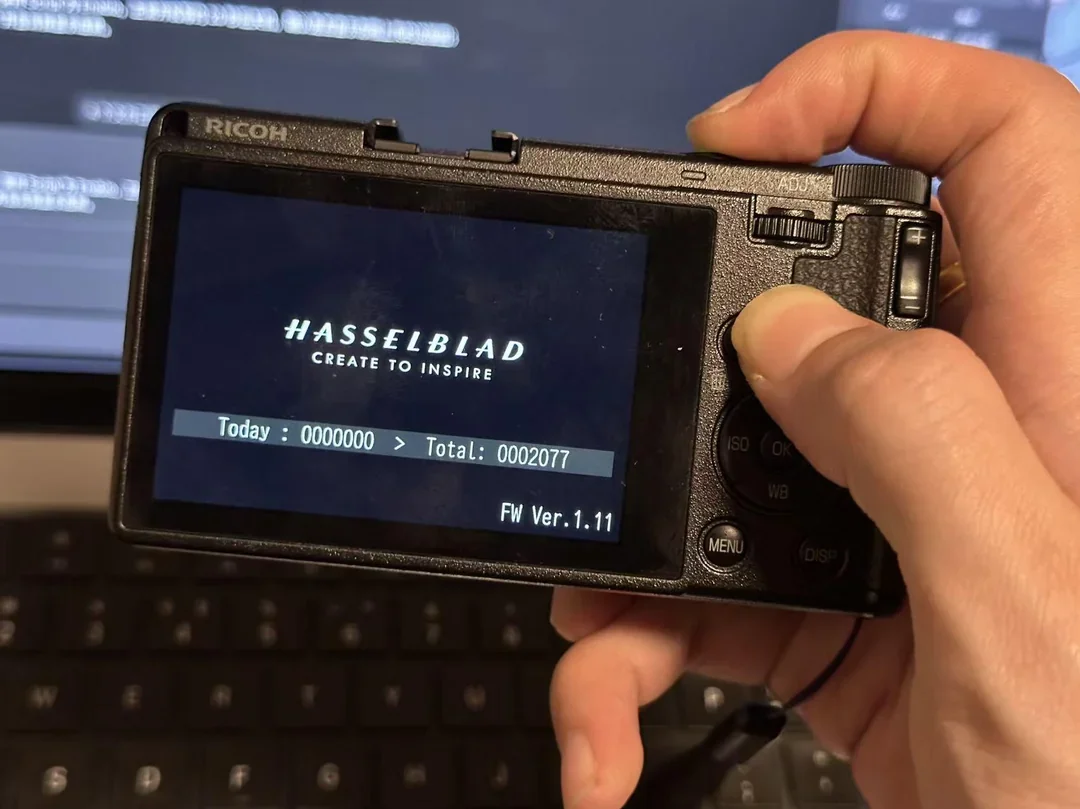
Version-specific camera scripts replace the stock shutdown image on a Ricoh GR IV with a personalized picture.

How the agent helped

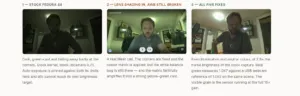
The creator credits Codex with firmware analysis, scripting, testing and documentation, and shows the modified shutdown image on the camera. This is separate from the StickS3 viewfinder project.

Before you build

Model/firmware-specific modification requires verified backups and recovery planning. Distinct from the StickS3 remote-viewfinder project.

Follow the build

youcanjustbuildthings.openai.chatgpt.site

Original build story

Creator showcase

github.com
Supporting source

Shopping list

Save as Markdown

Preserve original files and verify backups before changing the shutdown image. A current retail camera may ship with firmware different from the demonstrated 1.11.

Quantities are for one build. Unless marked source-specified, they are planning quantities; confirm kit contents and the chosen configuration before ordering.

  1. Qty. 1Plan / confirm
    Required

    RICOH GR IV, demonstrated firmware 1.11

    Camera being modified.

    Match camera and firmware; other GR bodies and firmware versions are separate targets.

    Sources & quantity basis

    Creator source. Planning quantity for one build; check the selected configuration.

    View product

    Exact product; firmware must be checked separately

  2. Qty. 1Plan / confirm
    Required

    FAT32 SD card

    Firmware, operating system or project storage.

    Source explicitly requires FAT32.

    Sources & quantity basis

    Creator source. Planning quantity for one build; check the selected configuration.

    No exact purchase link verified; confirm the model and requirements above before ordering.

  3. Qty. 1Plan / confirm
    Tool

    SD card reader

    Prepare files and preserve backups.

    Sources & quantity basis

    Setup requirement — check against your configuration. Planning quantity for one build; check the selected configuration.

    Use existing equipment or match the specification above. No exact purchase link verified.

  4. Qty. 1Plan / confirm
    Tool

    Development computer

    Build, configure or flash the software.

    Sources & quantity basis

    Setup requirement — check against your configuration. Planning quantity for one build; check the selected configuration.

    Use existing equipment or match the specification above. No exact purchase link verified.

  5. Qty. 1Plan / confirm
    Required

    Charged original camera battery

    Maintain stable power during the documented procedure.

    Sources & quantity basis

    Setup requirement — check against your configuration. Planning quantity for one build; check the selected configuration.

    Use existing equipment or match the specification above. No exact purchase link verified.

Source reviewed, not assembled or hands-on tested. A working product page does not confirm stock, firmware compatibility or a complete build.

Built something with a coding agent?

Share your hardware project so others can try it.

Submit a project